The landscape has shifted faster than anyone predicted
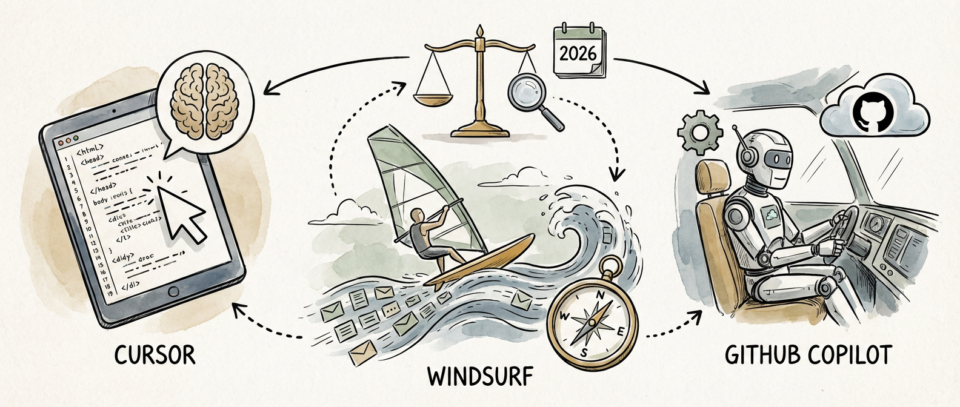
Two years ago, when GitHub Copilot first landed in most developers’ workflows, it felt like a curious novelty. It would autocomplete a function signature or suggest a loop structure, and you’d either laugh at how wrong it got the logic or appreciate the minor keystrokes saved. Today, the market looks fundamentally different. We’re not debating whether AI coding assistants matter anymore. We’re debating which one doesn’t waste your time and actually makes you a better engineer.
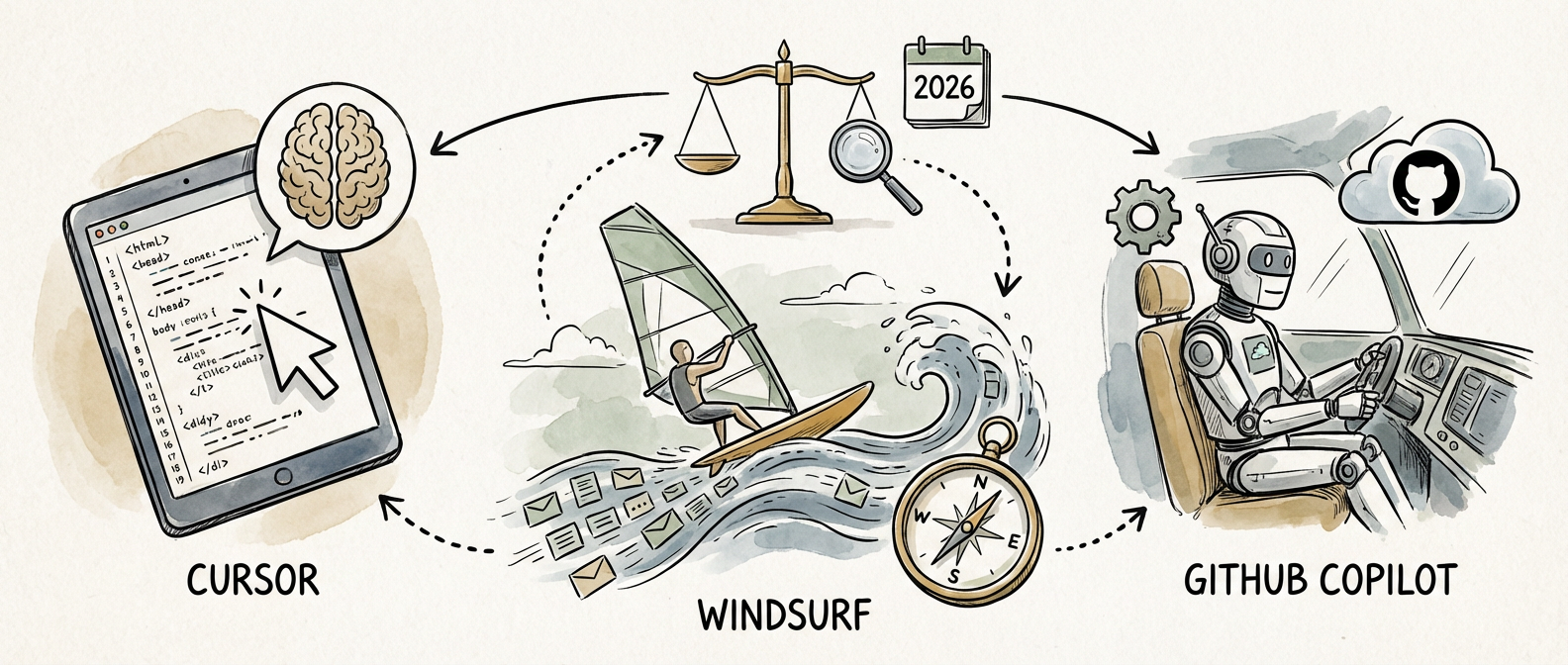
I’ve spent the last eighteen months using all three of these tools in production codebases. Real work. Systems that matter. And I want to be direct: the marketing claims from all three camps have outpaced the reality significantly. That’s not an indictment of the tools themselves. It’s a reflection of what happens when a market matures faster than understanding does.
Let me walk through what I’ve actually observed, not what the benchmarks promise.

Cursor has momentum, but momentum isn’t mastery
Cursor crossed half a million paid subscribers by late 2025 and raised capital at a $9.9 billion valuation on the strength of a Series B round that reached $900 million. Those numbers matter because they reflect something real: developers are choosing to pay out of pocket. In my experience with the tool, you can understand why. The editor feels snappier than the alternatives, the VS Code foundation means there’s no ramp-up cost for muscle memory, and the agentic capabilities in Agent mode actually work.
Agent mode is where Cursor distinguishes itself operationally. It can sequence multiple file edits, understand the dependency graph of your changes, and execute terminal commands without requiring you to manually orchestrate each step. That sounds incremental until you’re refactoring a legacy codebase or migrating from one framework pattern to another. Then it feels like having a capable junior engineer who never gets tired and never forgets what you just told them.
But here’s where the pragmatism enters: Cursor’s strength is also its limitation. It’s optimized for speed and autonomy, which means it makes confident decisions. Sometimes those decisions are wrong in subtle ways that cost you time in review. The vendor narrative around productivity gains doesn’t square with what developers are actually reporting.
Windsurf’s agentic model arrived first, and that matters less than you’d think
Codeium’s Windsurf launched in November 2024 with something called Cascade, an agentic flow designed to handle multi-file refactors and terminal operations autonomously. It was innovative. The industry noticed. Cursor noticed too, which is why they shipped Agent mode shortly after. That sequence tells you something about the velocity of this market.
Windsurf’s implementation is thoughtful. The interface guides you through the agentic process rather than just executing it, which creates moments where you can course-correct before the tool goes off the rails. I’ve found this particularly useful in codebases where the context is ambiguous, or where the “right” refactor depends on architectural decisions that live in your head, not in the codebase.
The tradeoff is that Windsurf feels slower than Cursor. Not because it’s technically slower, but because the interaction model requires more deliberation from you. In some contexts, that’s exactly what you want. In others, it feels like friction when you just need something done quickly. The tool has found an audience among developers who value that guardrail. I’m partially in that camp, but I’ve also shipped features faster with Cursor when I’m working with codebases I know intimately.
GitHub Copilot: the enterprise anchor that works because of distribution
Microsoft reported that Copilot crossed 1.8 million paid users in their Q2 FY2026 earnings call, with enterprise adoption growing 55 percent year-over-year. Those numbers dwarf the subscriber counts for Cursor and Windsurf individually, though Cursor is clearly ascendant. Copilot’s dominance has little to do with being the best tool and everything to do with being the integrated tool. It’s built into your IDE if you’re on Visual Studio. It’s available in Visual Studio Code. It’s embedded in GitHub. The friction to adoption is nearly zero.
I use Copilot regularly in enterprise contexts because that’s often what the team standardizes on. It works. The models are solid, the latency is acceptable, and the integration rarely fights you. Where it stumbles for me is on larger architectural problems that require holding complex context. Copilot seems to shine on tactical, well-defined problems where the context window requirements are moderate.
The honest assessment is this: Copilot is the sensible default for most organizations. It’s not the best in any dimension I can measure, but it’s good enough at everything and great at integration. That’s a winning formula in enterprise software.
The reality that vendors don’t want you to focus on
The Stack Overflow 2025 Developer Survey AI section reported something that should make you pause: 78 percent of developers using AI coding tools spent more time reviewing AI-generated code than they expected. This isn’t a problem with the tools. It’s the reality of the domain. You cannot meaningfully accelerate code generation without commensurate acceleration in code review. The cognitive load shifts; it doesn’t disappear.
The JetBrains State of Developer Ecosystem 2025 added another crucial dimension: context window size emerged as the most commonly cited technical limitation by developers using AI assistants. Sixty-seven percent reported regularly hitting limits on multi-file tasks. This is not a marginal issue. This is the actual constraint that determines whether these tools can handle your real work or whether they’re useful primarily for isolated functions.
Cursor and Windsurf both address this to some degree through recursive context strategies and codebase indexing. Copilot relies more heavily on whatever token budget Microsoft allocates to enterprise tiers. None of them have solved the fundamental problem that large systems require large context windows, and token costs scale accordingly.
What I actually recommend, with caveats
If you’re an independent developer or working in a team that lets you choose, Cursor offers the best balance of capability and speed right now. The paid tier is worth it. The 500,000 paying subscribers didn’t choose it randomly. The tool gets significantly better when you’re willing to invest in configuration.
If you work in an enterprise context, you’re probably already on Copilot. Accept it. Learn to use it well within its constraints. Integrate it into your review practices rather than expecting it to eliminate them. That’s not resignation; that’s realism.
If you’re working on larger architectural problems, or you value more deliberative assistance, Windsurf’s interaction model might suit you better. The speed tradeoff is real, but it comes with better guardrails.
Across all three, the lesson is the same: these tools expand your capabilities in specific domains while creating different constraints in others. They’re not silver bullets. They’re power tools that require skill to use well. The developers who’ve gotten the most value are the ones treating them as such, not the ones expecting automation to solve problems that fundamentally require human judgment.
I’m curious what your experience has been. If you’ve had sustained experience with all three, I’d like to hear where your assessment diverges from mine. The market is still moving, and so is the craft of working with these systems effectively.