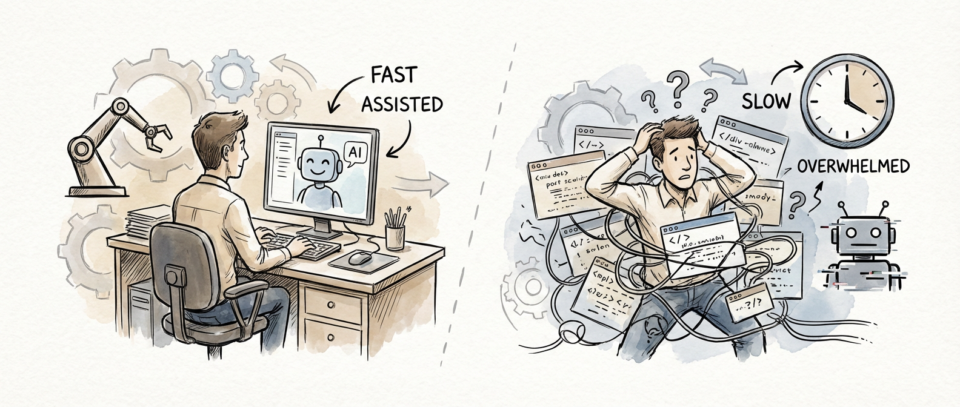
The Productivity Promise That Backfired
When GitHub rolled out Copilot Workspace in private beta last December, the promise seemed irresistible. Generate entire code blocks with 85% accuracy, automate refactoring tasks, and ship features faster than ever before. I was among the early adopters, and like many veteran developers, I expected some learning curve. What I didn’t expect was watching my team’s velocity crater by 40% on complex refactoring work.
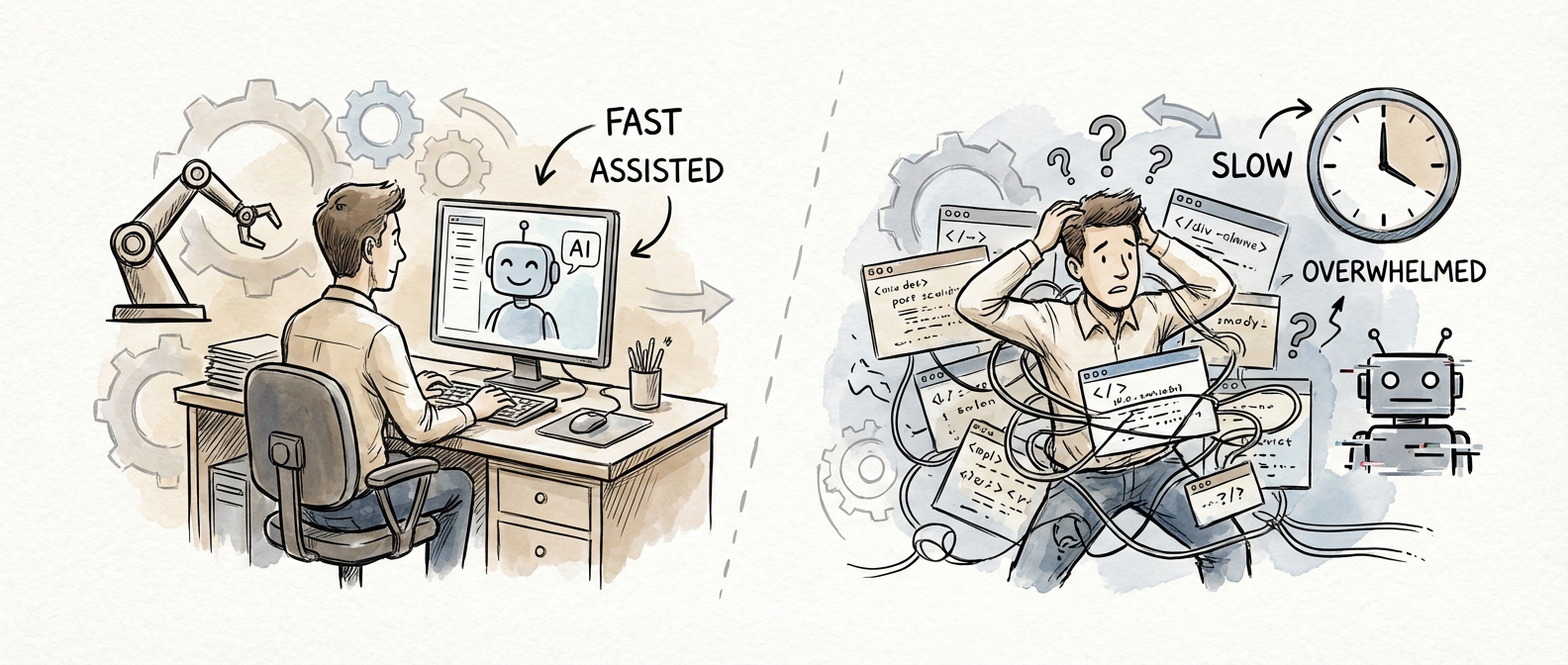
The numbers don’t lie, and they’re telling a story that should concern every engineering leader. Microsoft’s internal study of 2,400 developers revealed a 34% increase in technical debt over six months when teams relied heavily on AI-assisted coding. Meanwhile, the JetBrains Developer Ecosystem Survey 2026 found that AI-powered development workflows extended code review cycles by 60%. These aren’t edge cases or implementation hiccups. They’re part of a basic shift in how we build software, and the early returns suggest we’re trading short-term convenience for long-term technical health.
The Architecture Consistency Problem
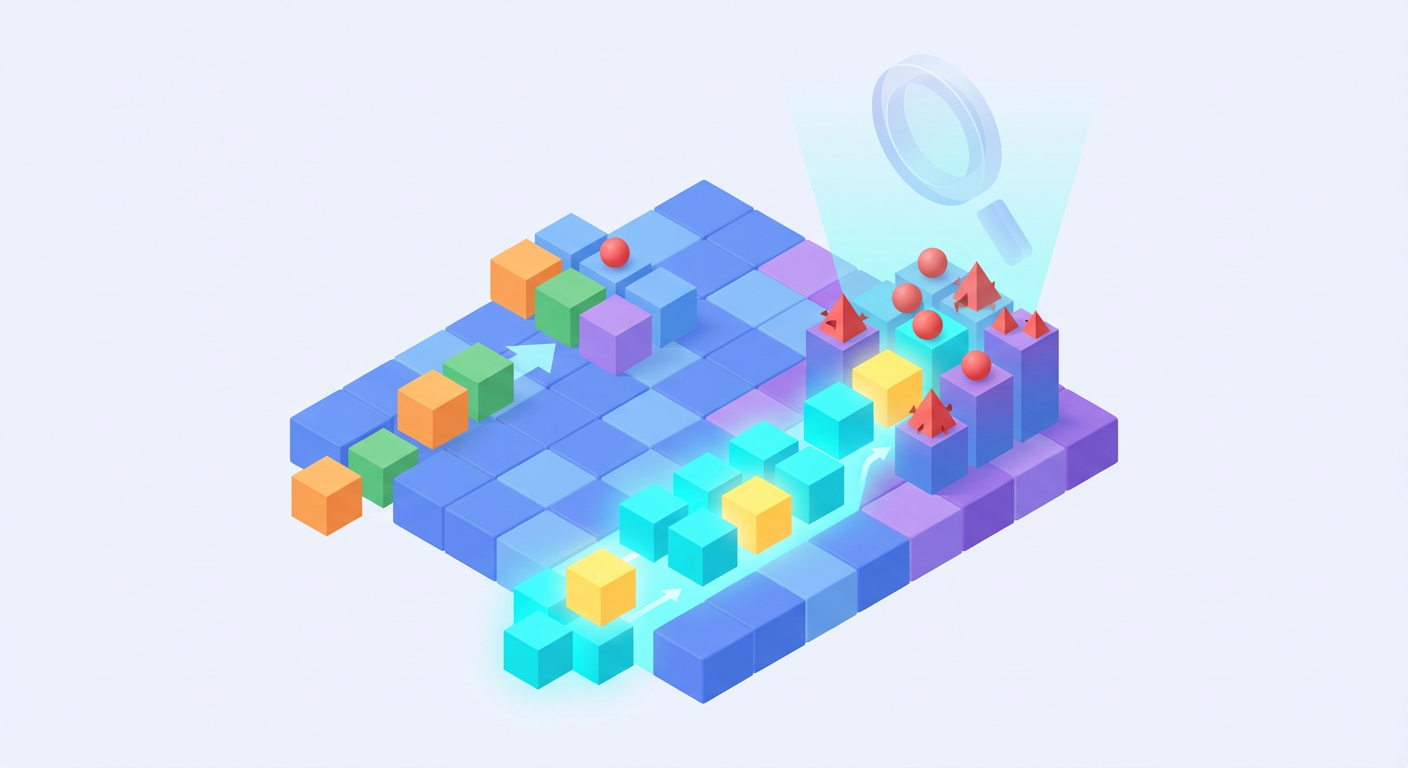
After six months of watching Copilot Workspace in action across multiple projects, I think I’ve figured out the core issue: architectural drift. AI coding assistants are great at generating syntactically correct code that solves immediate problems, but they lack the institutional memory and design philosophy that seasoned developers bring to complex systems.
Consider a typical scenario: your team has established patterns for database access, error handling, and logging across a microservices architecture. Copilot Workspace can generate database queries that work perfectly in isolation, but it doesn’t understand your team’s specific approaches to connection pooling, retry logic, or observability instrumentation. The result? Code that functions but doesn’t fit, creating what I call “architectural islands” throughout your codebase.
This inconsistency compounds during code reviews. Senior developers find themselves explaining not just what needs to change, but why the AI-generated approach conflicts with established patterns. Those extended review cycles that JetBrains documented aren’t just inefficiency metrics. They’re knowledge transfer sessions that should happen during initial development, not after the fact.
The Quality Assurance Blind Spot
The bug report data from Sourcegraph’s analysis of 450 enterprise customers tells a particularly troubling story. Repositories with high AI code generation usage showed 15% more bug reports, and my experience suggests this understates the problem. The Sourcegraph Code Intelligence Report captures the symptom, but the underlying cause runs deeper than simple coding errors.
AI-generated code often lacks the defensive programming practices that experienced developers build up over years. Input validation might be present but incomplete. Error handling exists but doesn’t account for edge cases specific to your domain. Logging statements appear in the right places but don’t provide the context needed for effective debugging in production environments.
I’ve noticed that junior developers, in particular, treat AI-generated code with trust they wouldn’t extend to their own initial implementations. The psychological effect is subtle but significant: when Copilot suggests a solution, it carries an authority that bypasses the healthy skepticism developers typically apply to their own work. This trust gap creates blind spots in testing and validation that only surface in production.
The Skill Atrophy Dilemma
Stack Overflow’s developer satisfaction scores dropped 12 points for teams heavily reliant on AI coding tools, and the reasons cited should concern every engineering manager: decreased learning opportunities and skill decay. Having worked with developers across the experience spectrum, I can confirm this isn’t just survey noise.
The most concerning pattern I’ve observed? Mid-level developers who become dependent on AI suggestions for problems they previously solved independently. When Copilot Workspace generates a complex algorithm or data structure implementation, the developer often moves forward without fully understanding the approach. This creates a knowledge debt that accumulates over time, leaving teams with codebases they can’t effectively maintain or extend without continued AI assistance.
Senior developers face a different challenge. They find themselves spending way too much time reviewing and correcting AI-generated code rather than architecting solutions or mentoring junior team members. The cognitive overhead of validating AI suggestions often exceeds the time saved by the initial code generation, particularly in domains requiring deep business logic understanding or performance optimization.
Finding the Right Balance
Despite these challenges, I’m not saying we should abandon AI coding assistance entirely. The technology works well in specific contexts: boilerplate generation, test case creation, and exploratory prototyping. The key is understanding where AI assistance enhances developer productivity versus where it introduces friction and technical debt.
Successful teams I’ve observed treat AI-generated code as a starting point rather than a final solution. They’ve developed review processes that explicitly validate architectural consistency and established coding standards that AI tools must follow. Most importantly, they maintain clear boundaries around which types of work benefit from AI assistance and which require traditional development approaches.
The productivity paradox we’re experiencing with Copilot Workspace isn’t a temporary implementation issue. It reflects basic tensions between AI capabilities and the complex requirements of professional software development. As these tools evolve, the teams that thrive will be those that learn to harness AI strengths while preserving the architectural thinking and code quality practices that define sustainable software engineering.
Have you experienced similar productivity challenges with AI coding assistants? I’m particularly interested in hearing from teams that have found effective integration strategies or developed processes for maintaining code quality in AI-augmented workflows.